
How I Use TextExpander
Type a few letters, get your passport number. (Or a shrug.)


TextExpander is an app that runs in the background and watches what you type. You give it a short abbreviation and the longer text it stands for, which it calls a snippet. From then on, whenever you type the abbreviation, in any app, it’s swapped for the snippet.
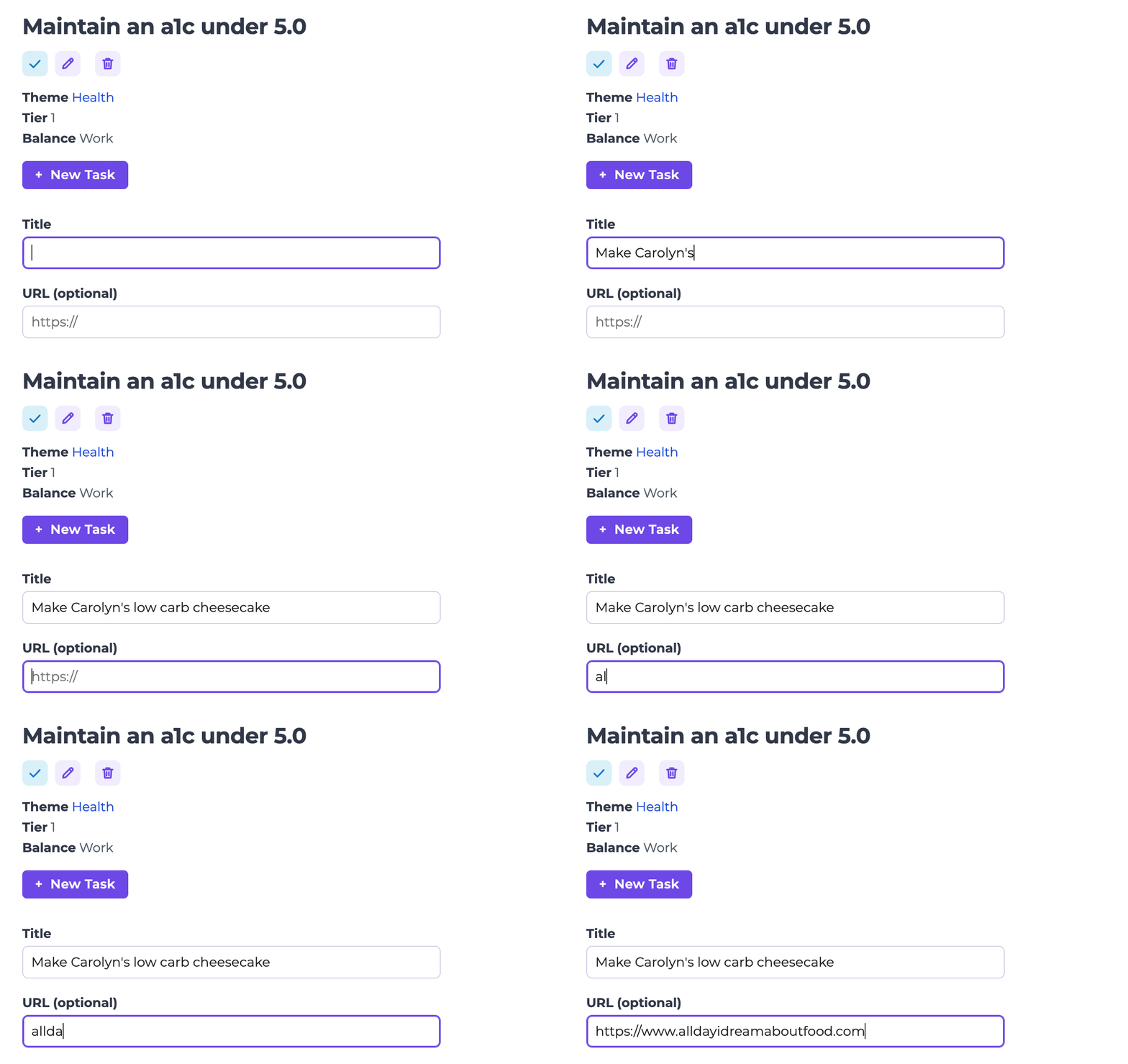
Here’s what’s in mine:
- Important numbers. I type “marinapass” and my passport number appears. (My Known Traveler Number has one, too.)
- My mailing address. Every checkout form, every time.
- Links I share all the time. I love the recipes at Carolyn Ketchum’s All Day I Dream About Food, so “allday” drops its URL into an email or text. “zoomm” drops my Zoom meeting room link.
- Favorite emojis. “shruggg” gets me 🤷.
- Symbols. “tht” gives me θ, the theta symbol, for math.
- Words I don’t want to use. I hate the word “just,” so if I type it, my computer automatically deletes it.
- One-off jobs. Sometimes I need to repeat an email subject and a blurb several times, and copy/paste only holds one of them. So I’ll make an ad hoc snippet for each.
My snippets are on my phone and my computer, so they work wherever I’m typing.
Picking a good abbreviation
Remember, a good abbreviation is something you will NOT type under normal circumstances! That’s why it’s “zoomm” with two m’s and “shruggg” with three g’s. (The one exception is “just,” which I want caught every single time.)
Want to try it? Add a Task to TaskTackler: “Make my first five snippets.” And the next time you catch yourself typing the same thing for the third time, text it to Thoughts so you remember to make a snippet for it.


