
Tackled
Use Tackled to look back at everything you’ve finished.

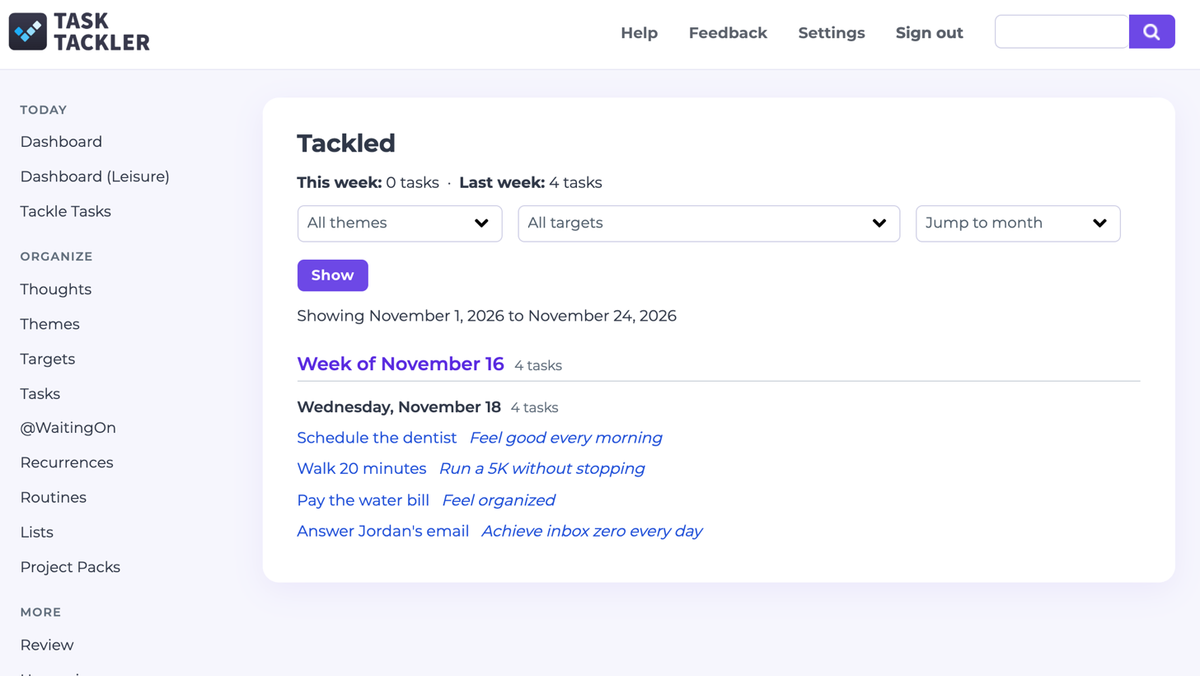
Tackled is a log of everything you’ve finished: every completed Task and every completed Target, newest first.
It’s the opposite of Upcoming. That page looks ahead; this one looks back. Scroll it when you need a win (or if you accidentally complete a Task and need to undo it!).
The top of the page counts what you tackled this week and last week.
Below that, everything is grouped by week, then by day. Each Task is listed with its Target beside it, so you can see what all that work was for.
You can also see a completed Task on its Target’s page, under Completed Tasks.
How to go back in time
Tackled shows the current month, up to today. Use “Jump to month” to look at an earlier one.
Filter Tackled Tasks by Theme or Target
Want to see how much you’ve done in one part of your life? Pick a Theme or a Target from the menus and click “Show.”


