Help
What is TaskTackler?
The task app for people who love lists!

How TaskTackler works.
Help
The task app for people who love lists!
Help
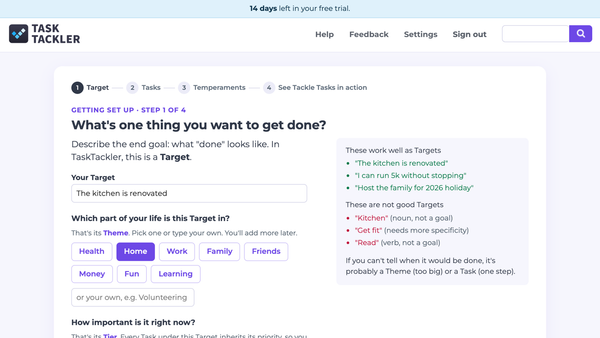
Use the setup steps to give TaskTackler one goal, its first Tasks and your moods, then add the rest whenever you’re ready.
Help
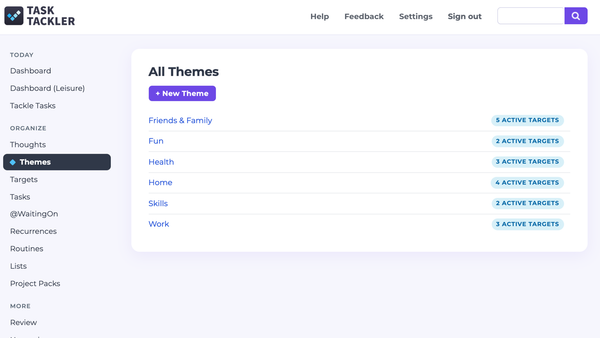
Use Themes to sort your Targets by area of your life, like Health, Home, Work, or Fun.
Help
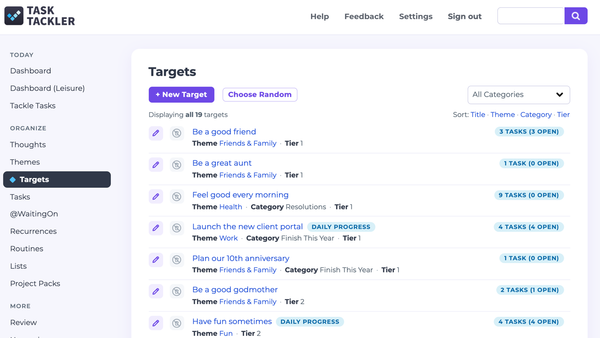
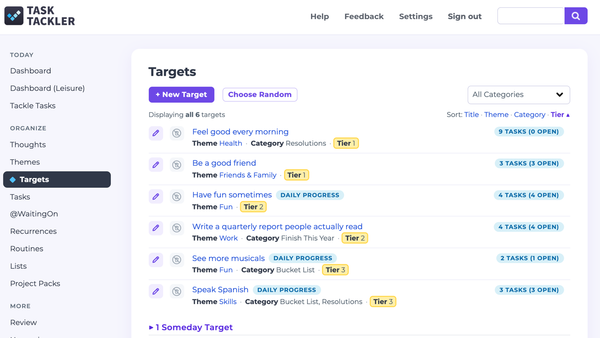
Use Targets to keep track of all your goals in life, personally and professionally.
Help
Use Tiers to tell TaskTackler which Targets matter most right now.
Help
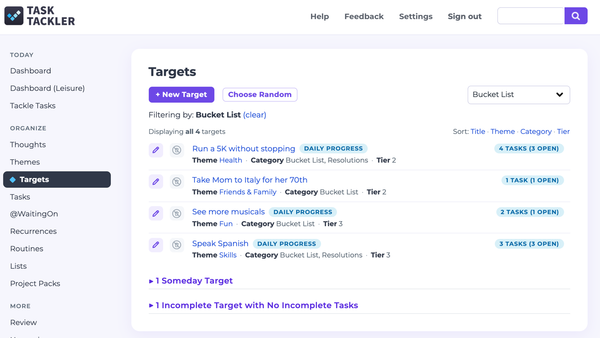
Use Target Categories to group related Targets across your Themes.
Help
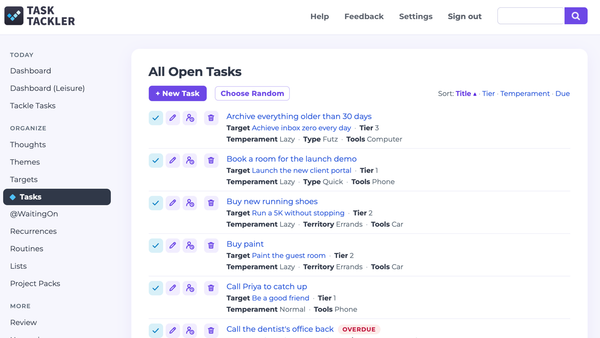
Use Tasks to capture every action that gets you to a Target.
Help
Use Temperaments to match each Task to the mood you need to be in to do it.
Help
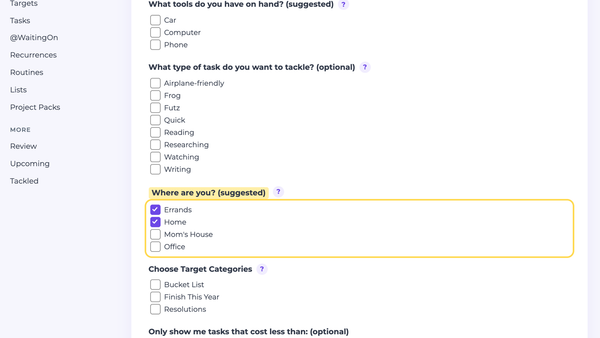
Use Territories to hide Tasks you can’t do from where you are.
Help
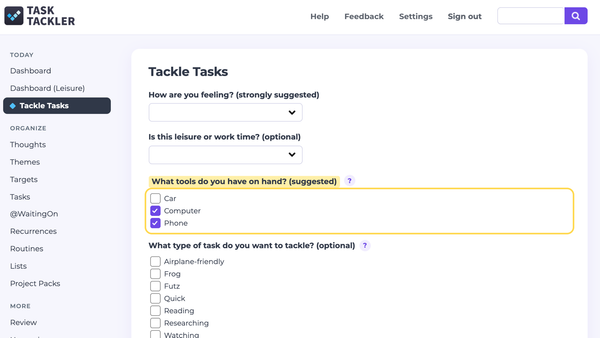
Use Tools to hide Tasks when you don’t have what you need to do them.
Help
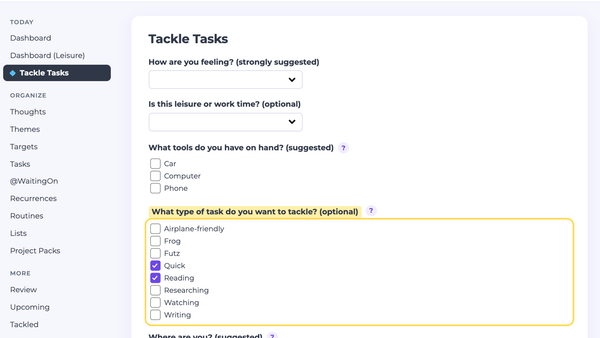
Use Task Types to pick Tasks by the kind of work you feel like doing.
Help
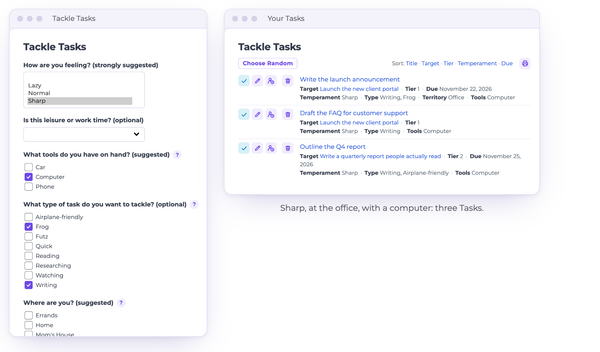
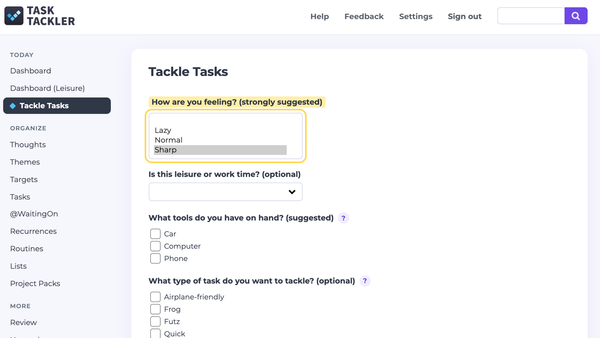
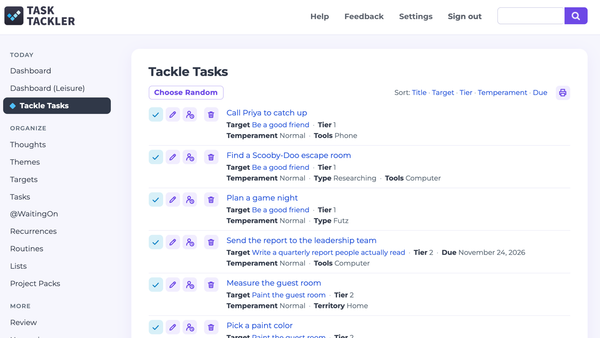
Use Tackle Tasks when you’re ready to work and want to see only the Tasks you can do right now.
Help
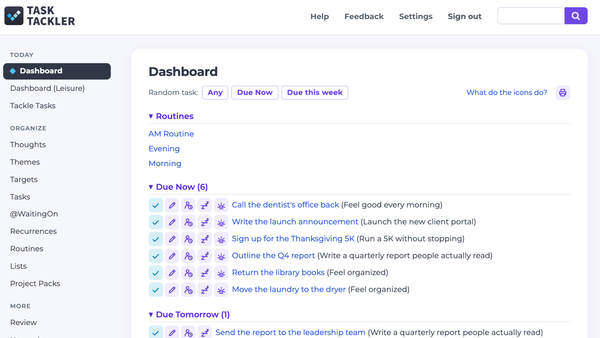
Use the Dashboard to see today at a glance: what’s due, your Routines, and a few Tasks picked for you.
Help
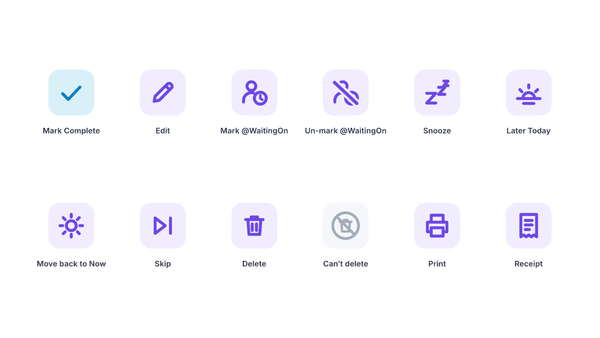
Use the icons beside a Task, Target or anything else in TaskTackler to act on it without opening it.
Help
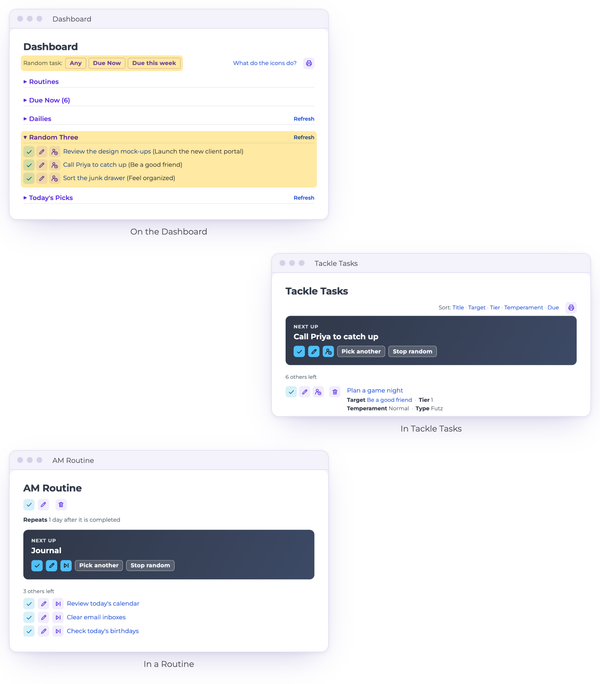
Use Randomization to let TaskTackler pick your next Task when you can’t decide.
Help
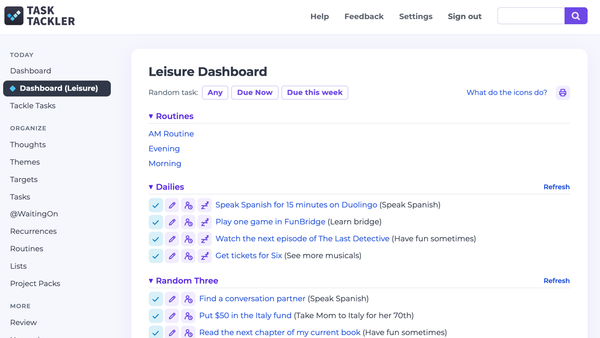
Use Leisure Mode to see only the Tasks from your Leisure Targets.
Help
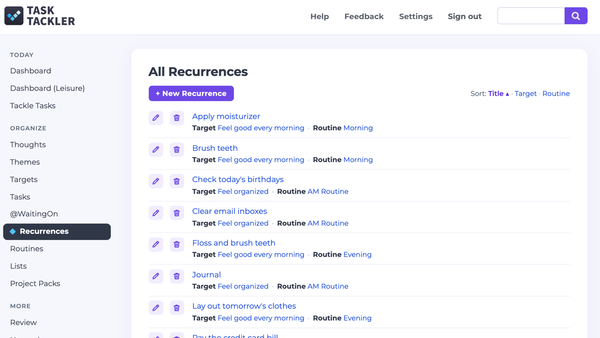
Use Recurrences for any Task you do again and again.
Help
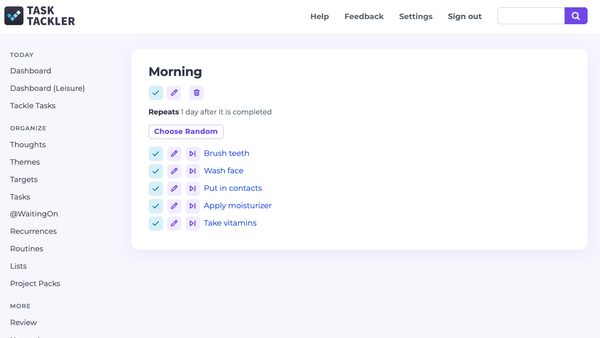
Use Routines for the Tasks you do together, in the same order, again and again.
Help
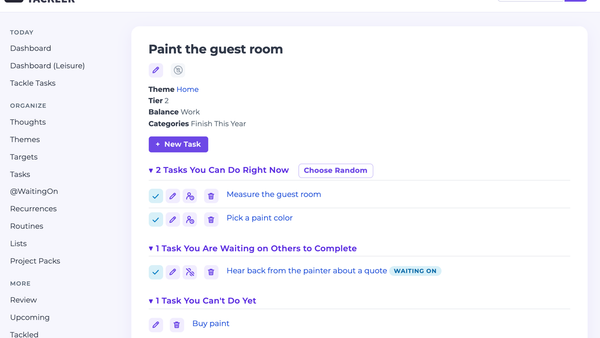
Use Hide Until, Dependencies, @WaitingOn and Later Today to keep a Task out of sight until you can do it.
Help
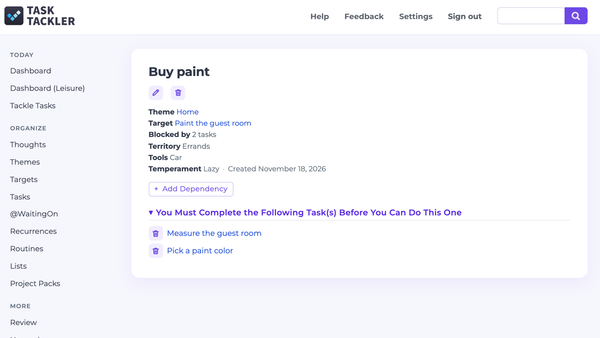
Use Dependencies to keep a Task out of sight until the Tasks it depends on are done.
Help
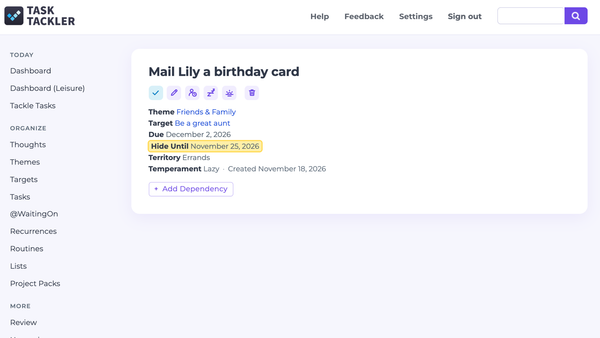
Use Hide Until to keep a Task out of sight until a day you choose.
Help
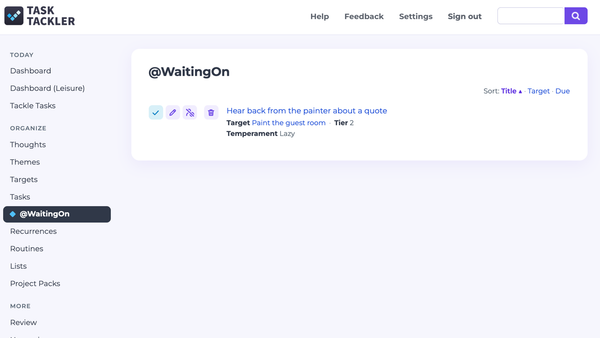
Use @WaitingOn to set a Task aside while the ball is in somebody else’s court.
Help
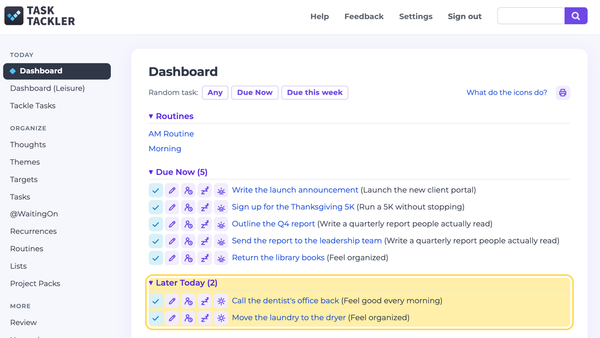
Use Later Today to set a Task aside for a few hours without losing sight of it.
Help
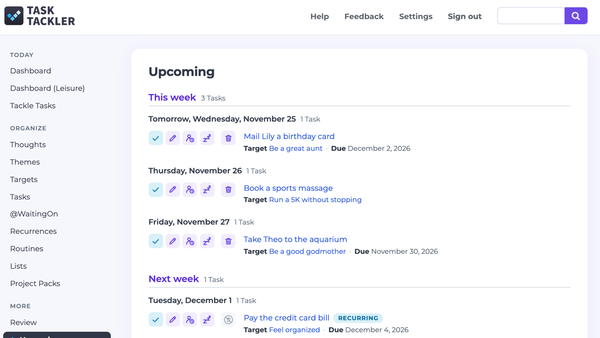
Use Upcoming to see everything you’ve hidden until a later day, week by week.
Help
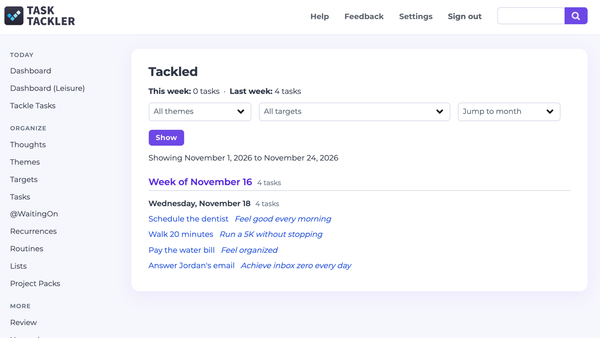
Use Tackled to look back at everything you’ve finished.
Help
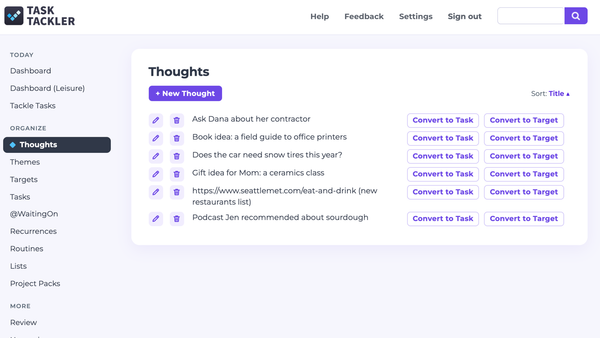
Use Thoughts to capture an idea now and decide what it is later.
Help
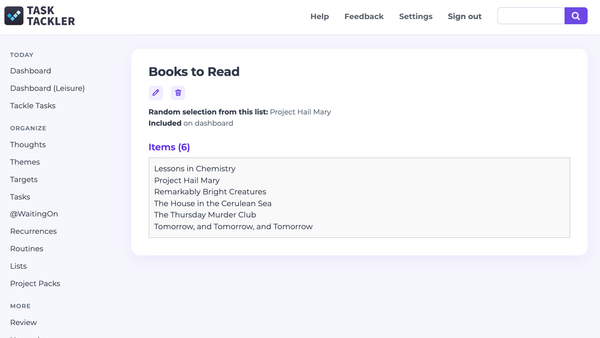
Use Lists to keep things to pick from, like books to read or dinner ideas.
Help
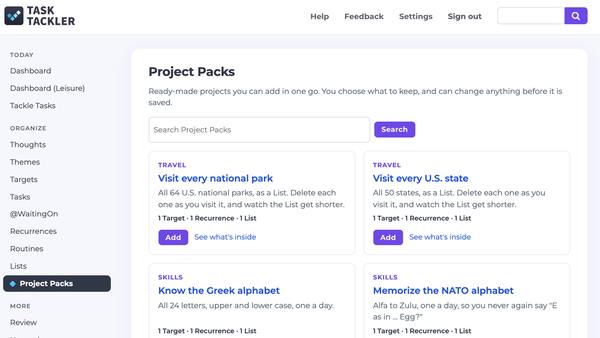
Use Project Packs to add a ready-made project to your account in one go.
Help
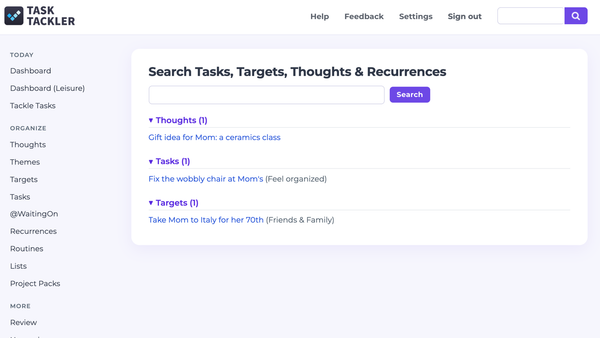
Use Search to find a specific Task, Target, Thought or Recurrence.
Help
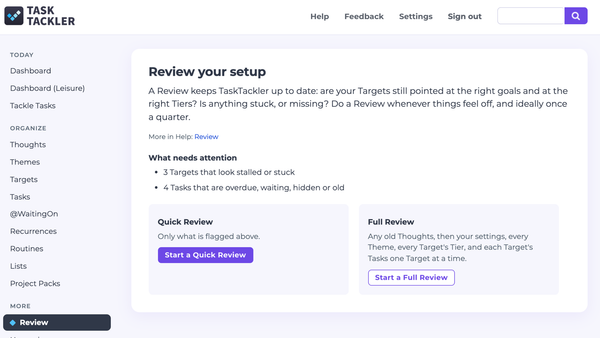
Use a Review to make sure your Targets still matter and nothing’s stuck.
Help
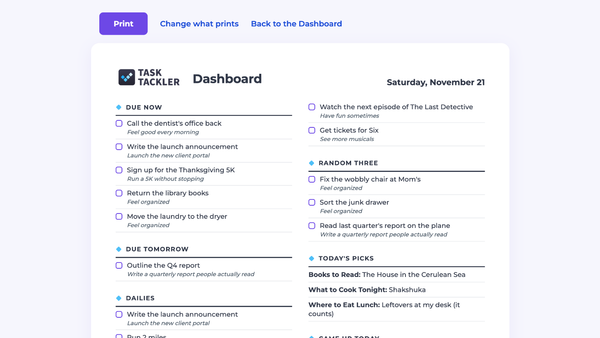
Use Print Mode to put your Dashboard or your Tackle Tasks results on paper.
Help
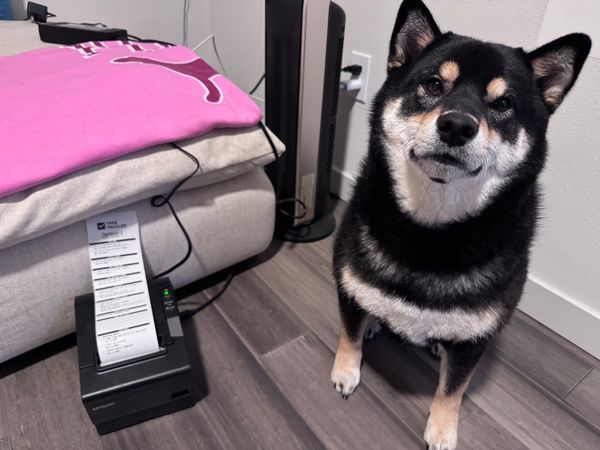
Use Receipt Mode to print your Dashboard or Tackle Tasks results as one long slip on a receipt printer.